Free Tools for Keyword Research in Digital Marketing
Here's something a lot of people don't realize until they actually go looking: there are genuinely good free tools for keyword research in digital marketing, and you don't need to pay a rupee to use them. Most beginners (and even a lot of experienced marketers) never get past two or three of them before they've got enough data to plan a full content calendar.
I want to walk you through the best free keyword research tools I'd actually recommend, what each one is genuinely useful for, where they fall short, and how to string them together so you're not left guessing. This list works whether you're already comfortable with SEO or you're looking at keyword research tools for beginners for the very first time. No fluff, no "top 47 tools" listicle nonsense. Just the ones worth your time.
If you're looking to go beyond just keyword research and actually build a full digital marketing skill set, check out ZIA EdTech, where you'll also find our Digital Marketing with AI course, which covers SEO, keyword research, and a lot more in detail.
Why Bother With Keyword Research At All?
I know, with AI writing and smarter search algorithms, it's tempting to think keyword research matters less than it used to. It doesn't. People still type things into a search bar, and those exact words still tell you a lot.
Before you write a single sentence, you basically want answers to a few questions:
What are people actually typing when they search for this?
How much competition am I up against for this term?
What related words or phrases naturally belong alongside it?
Are they looking to buy, to learn, or just to compare a few options?
Free SEO keyword tools can get you most of the way there. So there's really no good reason to skip this step, budget or no budget.
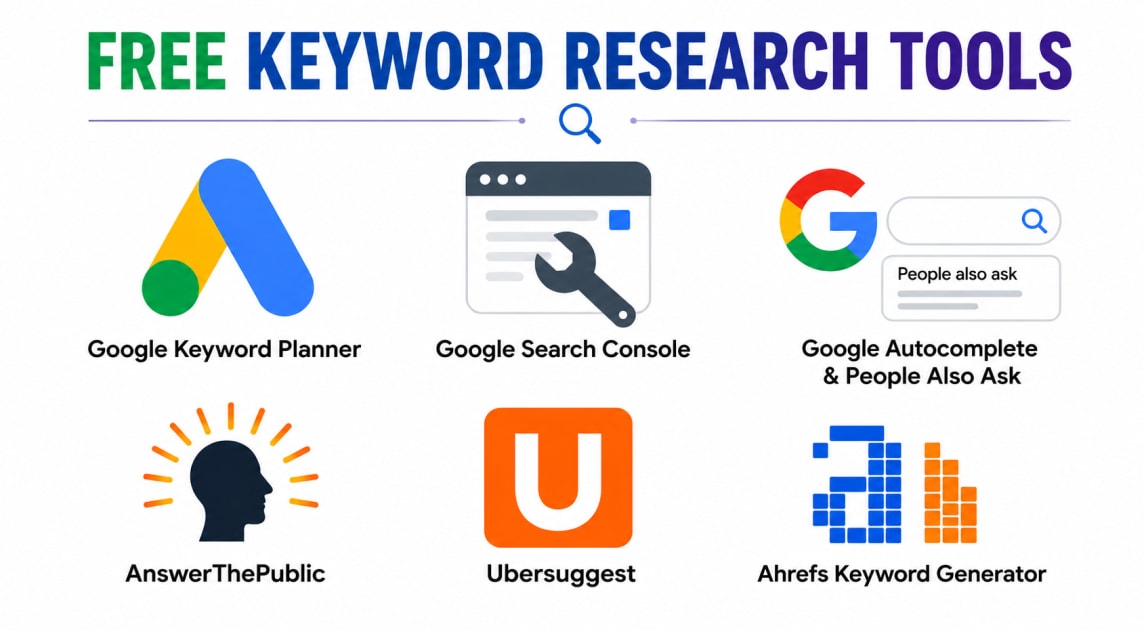
1. Google Keyword Planner (Free)
This started out as an advertiser's tool, but plenty of SEO folks still lean on it for organic research too, and for good reason. Using Google Keyword Planner free is one of the easiest ways to start, since the data comes straight from Google, so it's about as reliable as free data gets.
What it's genuinely good for:
Rough search volume ranges for a keyword
Turning up related keyword ideas you hadn't thought of
Getting a sense of competition, even if it's framed around ads
The annoying part? You don't get an exact number unless you're actively running ad campaigns. Instead you'll see something like "1K–10K" monthly searches, which is vague, sure, but still enough to decide whether a topic's worth chasing or not.
2. Google Search Console
If your site's already live and getting some traffic, this one's a bit of a hidden gem. It shows you keywords you're already ranking for, sometimes ones you never even targeted on purpose.
A few things it does really well:
Surfaces keywords sitting on page two, or near the bottom of page one — often easy wins if you tweak the content a little
Shows click-through rate per keyword, so you can spot titles that just aren't pulling their weight
Helps you improve stuff you've already published instead of starting from zero every time
The catch: it only shows data for your own site. Nothing about competitors, nothing about brand-new topics you haven't touched yet. And honestly, a lot of people skip it entirely because it requires a verified website. If you've got one though, it deserves way more attention than it usually gets.
3. Google Autocomplete and "People Also Ask"
Free, instant, no sign-up. Just start typing your topic into Google and watch what it suggests. Those suggestions come from actual searches by actual people, which makes them a solid source for long-tail keyword ideas.
Why it's worth two seconds of your time:
Shows you exactly how real people phrase their searches
Great for spotting long-tail keywords that are easier to rank for
Costs nothing, takes almost no effort
The obvious downside is there's no volume or competition data attached. It's purely "here's what people ask," not "here's how many people ask it." Still, pair this with the "People Also Ask" box and the related searches at the bottom of a results page, and you'll end up with a pretty solid list of subtopics worth covering.
4. AnswerThePublic (Free Version)
This one takes a topic and maps out the questions people ask around it, sorted into who, what, where, why, how. It's a nice way to see the full shape of a topic before you sit down to write.
Where it earns its keep:
Sparking blog topic ideas you might not land on yourself
Building out FAQ sections
Seeing the different angles people approach a topic from
The free version limits you to a handful of searches a day, so don't waste it on every random idea. Save it for the topics where you're genuinely stuck.
5. Ubersuggest (Free Version)
Neil Patel's tool, and it gives you a decent daily allowance of free searches with useful metrics baked in — search volume, SEO difficulty, even a few content ideas pulled from what's already ranking.
What people like about it:
Quick, all-in-one snapshot of a keyword's potential
Suggests content angles based on top-performing pages
Easy enough for someone brand new to SEO to actually use
Same story as most free tools though: daily limits. Fine for quick checks, but you'll want other tools in the mix if you're doing anything deeper.
6. Ahrefs Free Keyword Generator
Ahrefs is usually a paid, fairly pricey tool, but they offer a stripped-down free keyword generator that covers Google, YouTube, Amazon, and Bing. Useful if you're not just writing blog posts but also thinking about video or product content.
What makes it worth a look:
Keyword ideas across multiple platforms, not just Google search
A rough difficulty score for each term
Backed by one of the more trusted data sets in SEO
The limitation is obvious: fewer results per search than the paid version gives you. Still, as a free option, it's a decent starting point, especially if you're branching beyond just a blog.
How These Tools Actually Work Together
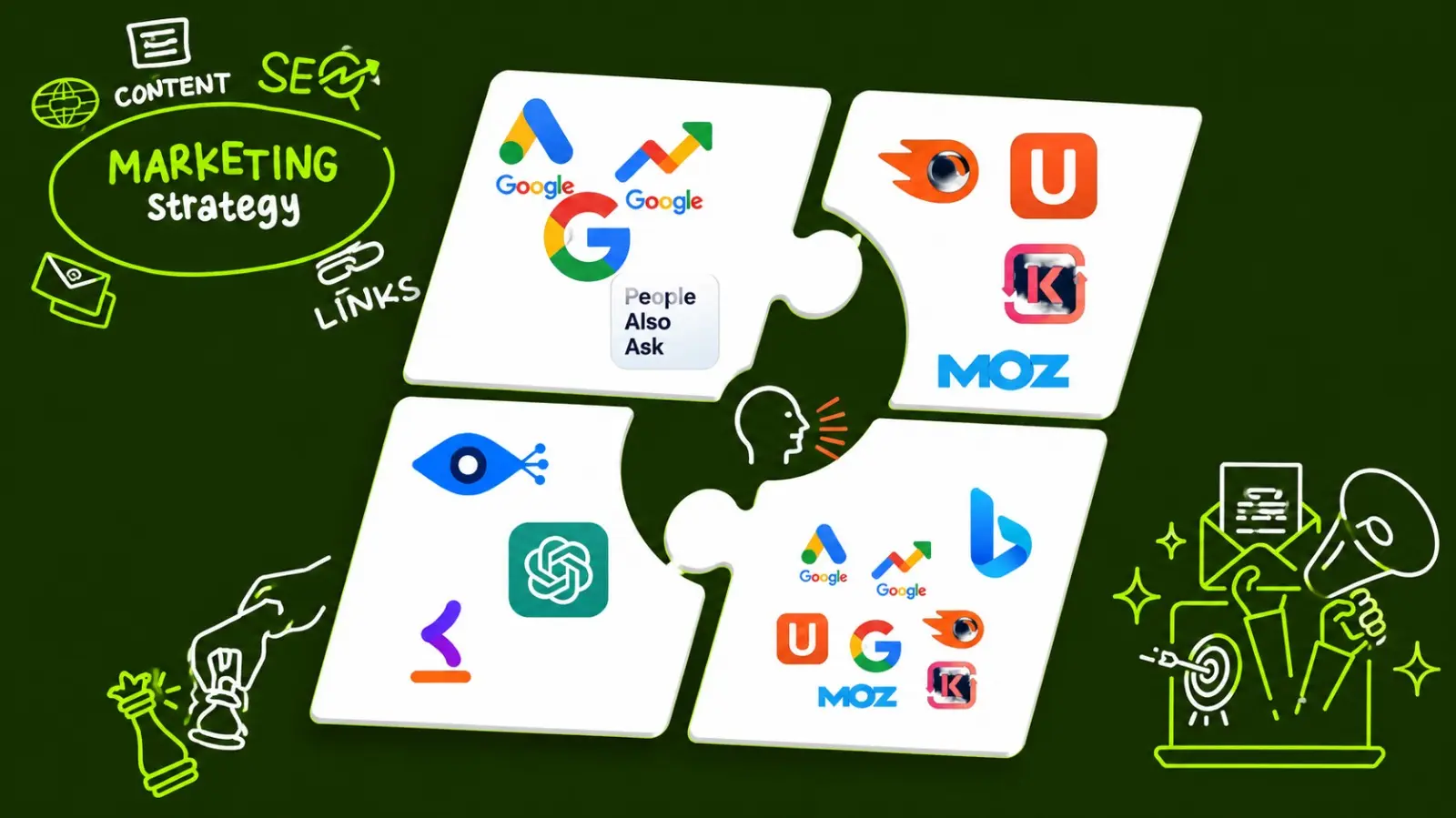
No single free tool hands you the complete picture. That's just the tradeoff of not paying for an all-in-one platform. The upside is that combining a handful of these gets you most of the way there anyway, just spread across a few more browser tabs than you'd like.
Here's roughly how I'd sequence it:
Start loose with Google Autocomplete to see how people naturally phrase things
Check demand with Google Keyword Planner
Look at what you already rank for in Search Console
Widen your topic list with AnswerThePublic
Cross-check volume and difficulty with Ubersuggest or Ahrefs' free tool
It's basically doing manually what paid platforms automate. Takes longer, sure, but it costs nothing and forces you to actually understand your keywords instead of just trusting a number on a dashboard.
Actually Using the Keywords You Find
Once you've landed on a main keyword, plus a few related ones, the next question is where they should show up in your content.
A few natural spots:
Somewhere near the start of your title
In the first hundred words or so
In at least one subheading
In your URL slug
In your meta description
Don't cram the exact same phrase into every sentence. That trick used to work; now it just makes the writing clunky and can actually hurt you. Search engines understand synonyms and related phrasing just fine, so mix it up as you go.
Write like you're explaining it to a friend, not stuffing keywords into a form. If your content genuinely answers what someone searched for, the SEO side tends to sort itself out.
A Few Things I'd Also Keep In Mind
Beyond the tools themselves:
Don't chase every keyword idea you stumble across. Stick to what actually fits your site or business
Watch search intent closely. A keyword can have great volume and still be the wrong fit for your content
Redo your research every few months. Search trends shift more than people expect
Keep your actual content scannable — short paragraphs, bullet points, since most people skim rather than read line by line
Link to your own related posts internally, and out to trustworthy sources when it makes sense
None of that costs anything either. It just takes a bit of consistency.
Quick Questions People Often Ask
Do I really need more than one tool? Pretty much, yeah. Each free tool only covers part of the picture, so using two or three together gets you a lot closer to the full story than relying on just one.
Which tool should a total beginner start with? If you're searching for keyword research tools for beginners, start with Google Autocomplete and Google Keyword Planner free. Both are free, need no extra setup beyond a Google account, and give you both ideas and rough demand numbers.
Are free tools accurate enough for real strategy? For most small businesses and bloggers, yes. Paid tools get you sharper numbers and deeper competitor data, but free tools are plenty for solid content decisions, especially early on.
How often should I redo keyword research? Every few months is a reasonable habit, more often for competitive topics. What worked a year ago might not hold up today.
Final Thoughts
You don't need an expensive subscription to do decent keyword research. Between Google's own free tools and a couple of freemium options like Ubersuggest, AnswerThePublic, and Ahrefs' free generator, you've got some of the best free keyword research tools and free SEO keyword tools available right now, more than enough to build a real content strategy from nothing.
The tools aren't really the differentiator here. Plenty of people use the exact same free tools and still get mediocre results. What actually matters is how you use the data — whether you're genuinely answering what people are searching for, and whether you're writing for humans first, search engines second.
Pick one or two tools from this list, get comfortable with them, and add more as you go. You don't need the whole toolkit on day one. You just need to start.
If you'd rather learn this hands-on with mentor support instead of piecing it together on your own, take a look at the Digital Marketing with AI course at ZIA EdTech. It covers keyword research, SEO, and the rest of digital marketing from the ground up, with live classes and placement support.